Construction Diary
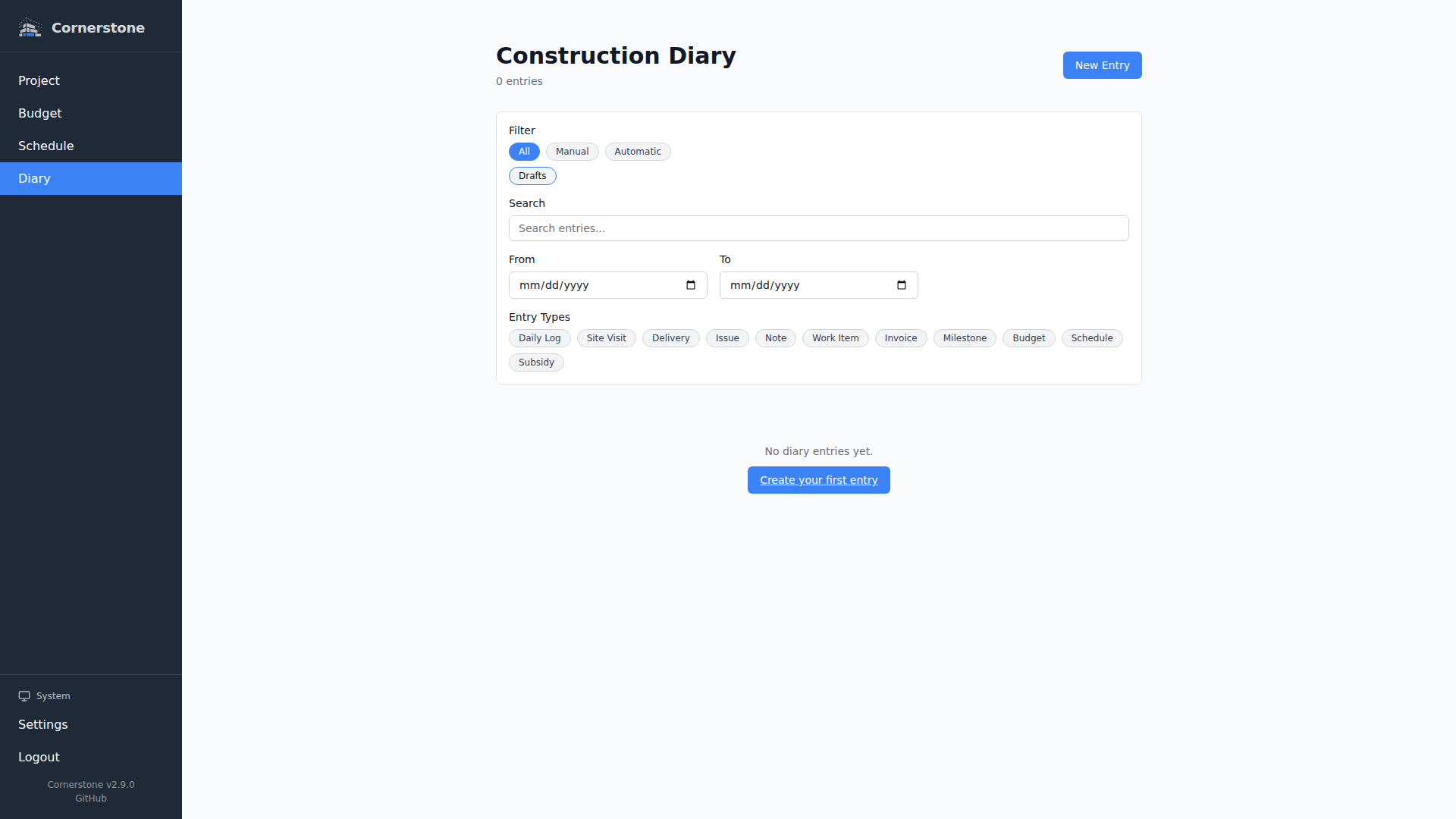
The construction diary (Bautagebuch) gives you a chronological record of everything that happens on your building project. It combines manual entries you write with automatic system events that Cornerstone generates when significant changes occur elsewhere in the application.
Overview
The diary provides:
- Manual Entries -- Write daily logs, record site visits, track deliveries, flag issues, and add general notes
- Automatic Events -- System-generated entries for work item status changes, invoice creation and status changes, milestone delays, budget breaches, schedule changes, and subsidy changes
- Photo Attachments -- Capture photos on your phone and tag them with a caption, area, and compass orientation for visual documentation
- Photo Annotation -- Mark up photos with rectangles, arrows, text, measurements, and more, directly in the browser (touch-enabled)
- Drafts -- Pick an entry type and start drafting immediately; the entry is saved as a draft until you promote it to a full entry, with auto-save while you type
- Signature Capture -- Collect digital signatures from users or vendors with a drawing canvas; signed entries become immutable
- Filtering -- Filter the diary by All, Manual, or Automatic entries with type-specific filter chips, plus a separate Drafts chip to show or hide unfinished work
Entry Types
Manual Entries
You create these entries to document activities and observations:
| Type | Purpose |
|---|---|
| Daily Log | General daily progress notes and observations |
| Site Visit | Record a visit to the construction site |
| Delivery | Track materials or items delivered to the site |
| Issue | Flag a problem that needs attention -- supports acknowledgment signatures |
| General Note | Anything that does not fit the other categories |
Automatic Events
Cornerstone automatically creates diary entries when significant changes happen in the system:
| Event | Trigger |
|---|---|
| Work Item Status | A work item's status changes (e.g., from "Not Started" to "In Progress") |
| Invoice Created | A new invoice is added to a vendor |
| Invoice Status | An invoice status changes (e.g., from "Pending" to "Paid") |
| Milestone Delay | A milestone's projected completion date slips past its target date |
| Budget Breach | A budget category's costs exceed its allocated amount |
| Schedule | The project schedule is recalculated or changed |
| Subsidy | A subsidy program status or amount changes |
Automatic events are interleaved chronologically with manual entries -- there is no separate section for them. Each automatic event includes a link to the related entity so you can navigate directly to the source.
Filtering
At the top of the diary page, filter chips let you narrow the view:
- All -- Show every entry (manual and automatic)
- Manual -- Show only your hand-written entries
- Automatic -- Show only system-generated events
When the Automatic filter is active, additional type-specific chips appear for finer control (e.g., "Invoice" groups both invoice creation and status change events).
A separate Drafts chip controls whether unfinished draft entries are included in the view. Drafts are hidden by default so your diary stays focused on finalized entries -- toggle the chip on to surface them.
Next Steps
- Manual Entries -- Creating and editing diary entries
- Automatic Events -- How system events are generated
- Capturing Photos -- Capturing and tagging photos, and managing orientations
- Photo Annotation -- Marking up diary photos with shapes, text, and measurements
- Signatures -- Digital signature capture and immutability