Budget
The budget system in Cornerstone helps you track construction costs across your entire project. Organize expenses by category, manage multiple financing sources, track vendor invoices, and apply subsidies -- all with real-time projections that account for estimate confidence levels.
Overview
The budget system provides:
- Budget Categories -- Organize costs into categories like "Electrical", "Plumbing", or "Windows & Doors"
- Financing Sources -- Track where money comes from (construction loan, savings, family loan) with depletion tracking, inline expansion of all attached budget lines, and a mass-move tool to reassign lines to a different source
- Work Item Budget Lines -- Link estimated costs to work items with confidence levels that reflect estimate accuracy
- Invoices -- Track vendor invoices and their line-item links to budget lines (vendor records now live under the Settings section -- see Invoices & Vendors)
- Subsidy Programs -- Manage percentage-based or fixed-amount subsidies that reduce your effective costs
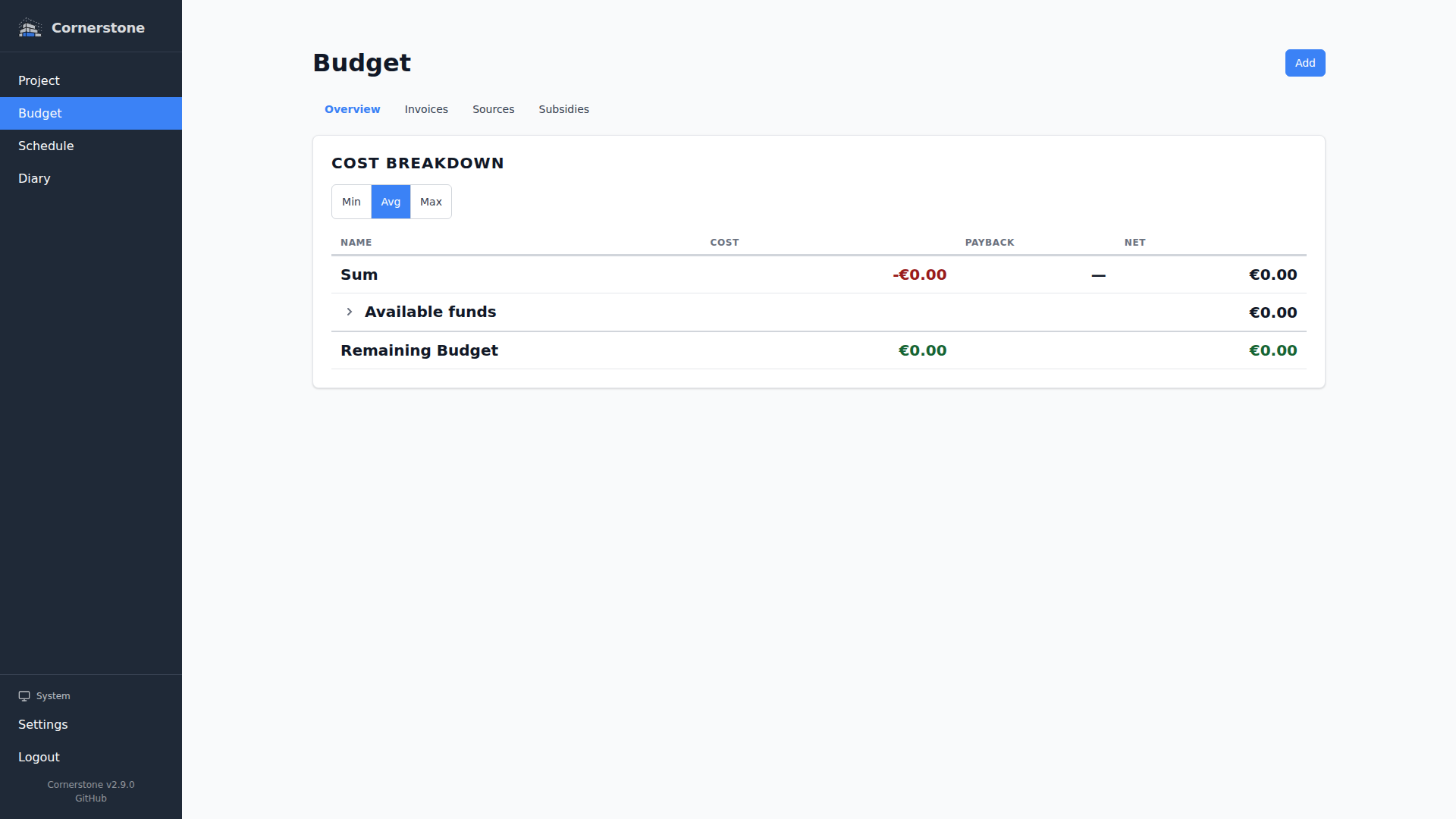
- Budget Overview Dashboard -- See your project's financial health grouped by area hierarchy, with clickable summary tiles, expandable nested rows, source attribution badges on every line, a per-source filter that updates the entire breakdown, and print-friendly styling
How It Fits Together
Each work item can have one or more budget lines. A budget line connects a work item to a budget category and a financing source with an estimated amount and confidence level.
When a vendor submits an invoice, you link the relevant budget lines to the invoice with itemized amounts. A single invoice can be linked to multiple budget lines across different work items and household items, and each link carries a specific amount that attributes a portion of the invoice to that budget line. This replaces the estimate with the actual cost and automatically updates the budget overview.
Subsidies reduce the total amount needed from financing sources, applied per budget category.
Next Steps
- Budget Categories -- Create and manage budget categories
- Financing Sources -- Track funding sources, inline expansion of attached lines, and mass-move
- Work Item Budgets -- Add cost estimates to work items
- Invoices -- Track invoices and link them to budget lines (vendors are managed from Settings)
- Auto-itemize Invoices -- Extract line items from invoice PDFs using your own LLM provider
- Subsidies -- Manage subsidy programs
- Budget Overview -- Area-grouped cost breakdown, source attribution badges, per-source filter, clickable tiles, and print output