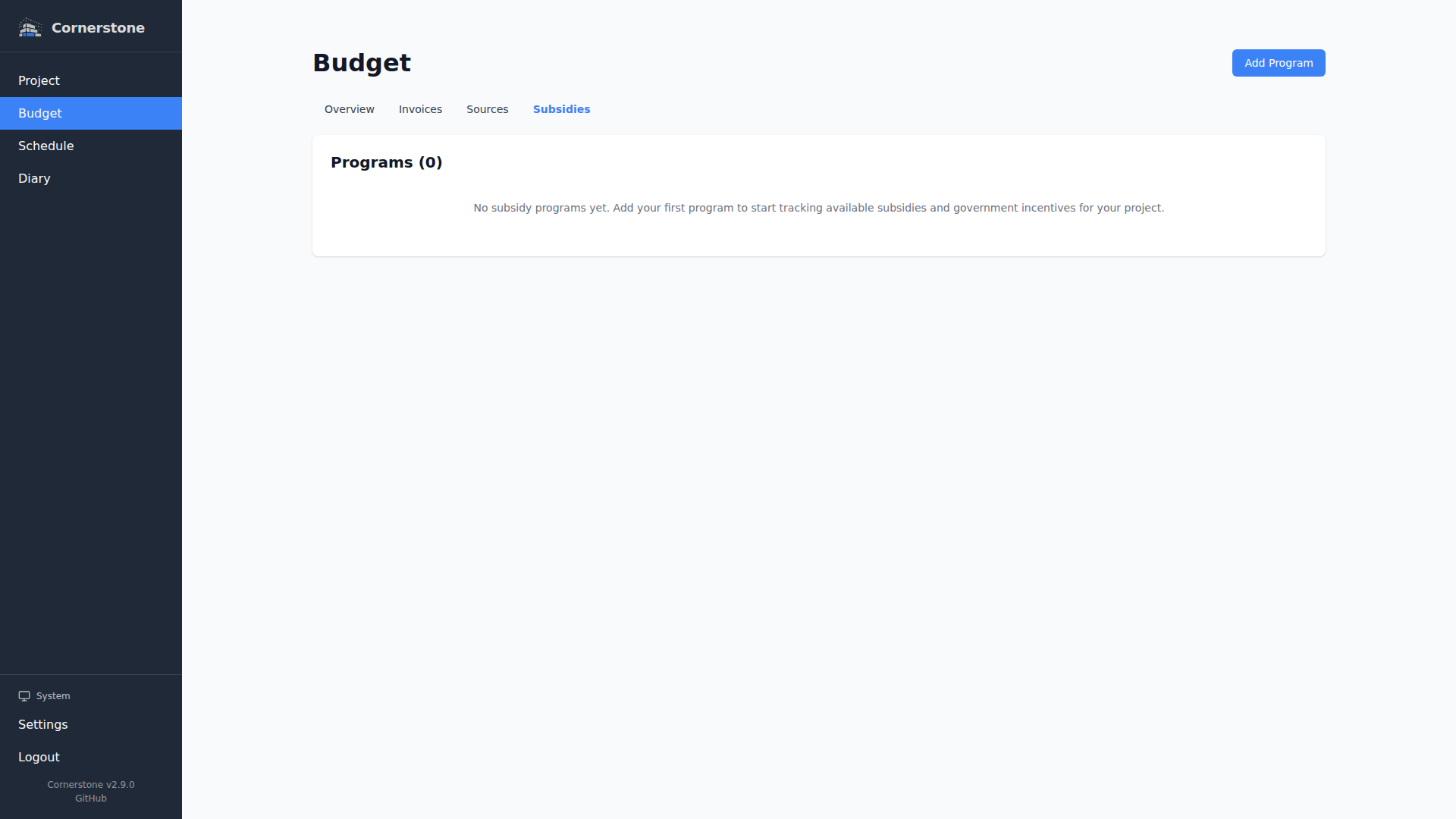
Subsidies
Subsidy programs reduce the effective cost of your construction project. Cornerstone supports both percentage-based and fixed-amount subsidies, each scoped to a specific budget category.
Subsidy Types
| Type | How It Works | Example |
|---|---|---|
| Percentage | Reduces costs in the linked category by a percentage | 15% energy efficiency rebate on HVAC costs |
| Fixed Amount | Reduces costs in the linked category by a flat amount | $2,000 insulation grant |
Creating a Subsidy
Navigate to Budget > Subsidies in the sidebar. Click New Subsidy and provide:
- Name -- A descriptive label (e.g., "Energy Efficiency Rebate")
- Type -- Percentage or Fixed Amount
- Amount / Rate -- The fixed amount or percentage rate
- Budget Category -- Which category this subsidy applies to
- Maximum Amount -- Optional cap on the total subsidy payout (for percentage subsidies)
- Status -- The current status of the subsidy application
Subsidy Statuses
| Status | Meaning |
|---|---|
| Pending | Application submitted, awaiting decision |
| Approved | Subsidy approved but not yet received |
| Rejected | Subsidy application was denied |
| Disbursed | Subsidy funds have been received |
Only subsidies with Approved or Disbursed status are applied to budget calculations. Pending and rejected subsidies are tracked but do not affect the budget overview.
How Subsidies Affect the Budget
Subsidies reduce the total cost shown in the Budget Overview. A subsidy applies to all budget lines in its linked category across all work items and household items:
- Percentage subsidy: Reduces the category total by the specified percentage
- Fixed-amount subsidy: Subtracts the flat amount from the category total
Multiple subsidies can apply to the same category, and their reductions stack.
Maximum Amount Cap
For percentage-based subsidies, you can set a maximum amount to cap the payout. For example, a 15% rebate with a maximum of $5,000 will reduce costs by 15% up to $5,000 -- even if 15% of the category total exceeds that amount. The budget overview flags any subsidies that have hit their cap so you can see at a glance where the cap is limiting your savings.
Cost Basis for Subsidy Calculations
When a budget line is linked to an invoice with an itemized amount, the subsidy calculation uses the itemized invoice amount as the cost basis instead of the planned amount. This ensures subsidy reductions reflect the actual cost attribution from invoices, not the original estimate.