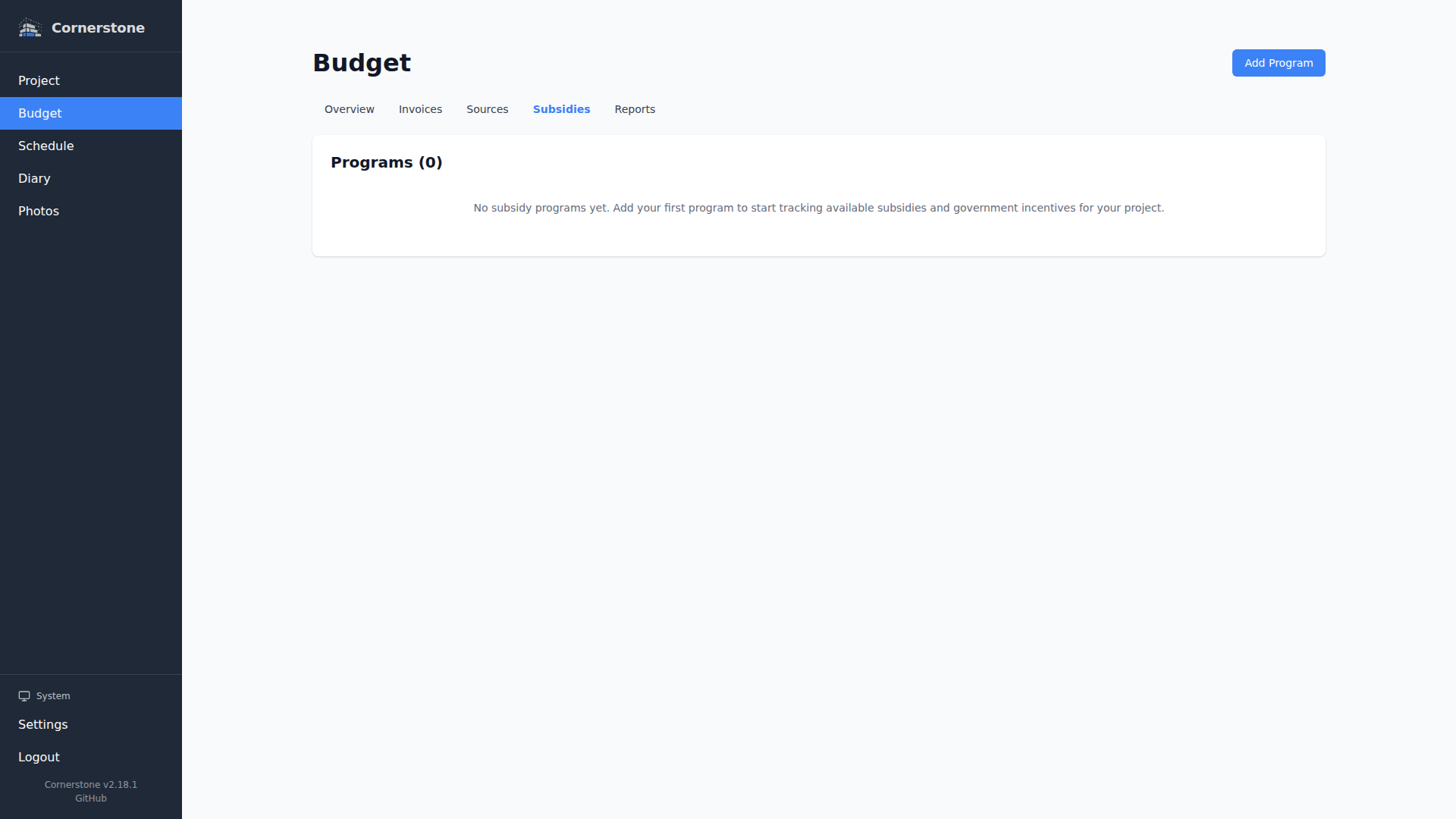
Subsidies
Subsidy programs reduce the effective cost of your construction project. Cornerstone supports both percentage-based and fixed-amount subsidies, each scoped to a specific budget category.
Subsidy Types
| Type | How It Works | Example |
|---|---|---|
| Percentage | Reduces costs in the linked category by a percentage | 15% energy efficiency rebate on HVAC costs |
| Fixed Amount | Reduces costs in the linked category by a flat amount | $2,000 insulation grant |
Creating a Subsidy
Navigate to Budget > Subsidies in the sidebar. Click Add Program and provide:
- Name -- A descriptive label (e.g., "Energy Efficiency Rebate Program")
- Reduction Type -- Percentage or Fixed Amount
- Reduction Value -- The percentage rate or fixed amount
- Applicable Budget Categories -- Which categories this program applies to (see Applicable Categories below)
- Maximum Amount -- Optional cap on the total subsidy payout
- Application Status -- The current status of the subsidy application
- Deadline, Eligibility Requirements, Notes -- Optional reference fields
Applicable Categories
A subsidy program can target one or more budget categories at once -- tick the categories it applies to, or use Select All / Deselect All. Two special cases:
- No categories selected -- the subsidy is treated as universal and applies to every budget line, regardless of category.
- No Category -- a separate checkbox (independent of the category list) that includes budget lines that have no category assigned at all. Leave it unchecked to exclude uncategorized lines even when the program targets specific categories.
Application Statuses
| Status | Meaning |
|---|---|
| Eligible | Identified as a program you qualify for, not yet applied |
| Applied | Application has been submitted, awaiting decision |
| Approved | Subsidy approved but funds not yet received |
| Received | Subsidy funds have been received |
| Rejected | Application was denied |
Only subsidies with Approved or Received status are applied to budget calculations. Eligible, applied, and rejected subsidies are tracked but do not affect the budget overview.
How Subsidies Affect the Budget
Subsidies reduce the total cost shown in the Budget Overview. A subsidy applies to every budget line that matches its applicable categories (see above), across all work items and household items:
- Percentage subsidy: Reduces the total of matching lines by the specified percentage
- Fixed-amount subsidy: Subtracts the flat amount from the total of matching lines
Multiple subsidies can apply to the same budget line, and their reductions stack.
Maximum Amount Cap
For percentage-based subsidies, you can set a maximum amount to cap the payout. For example, a 15% rebate with a maximum of $5,000 will reduce costs by 15% up to $5,000 -- even if 15% of the category total exceeds that amount. The budget overview flags any subsidies that have hit their cap so you can see at a glance where the cap is limiting your savings.
Cost Basis for Subsidy Calculations
When a budget line is linked to an invoice with an itemized amount, the subsidy calculation uses the itemized invoice amount as the cost basis instead of the planned amount. This ensures subsidy reductions reflect the actual cost attribution from invoices, not the original estimate.